Details
Website: https://spark.adobe.com
DA: 98
PA: 78
Do-Follow: NO
Example of the URL where the backlink can be found.
Instructions
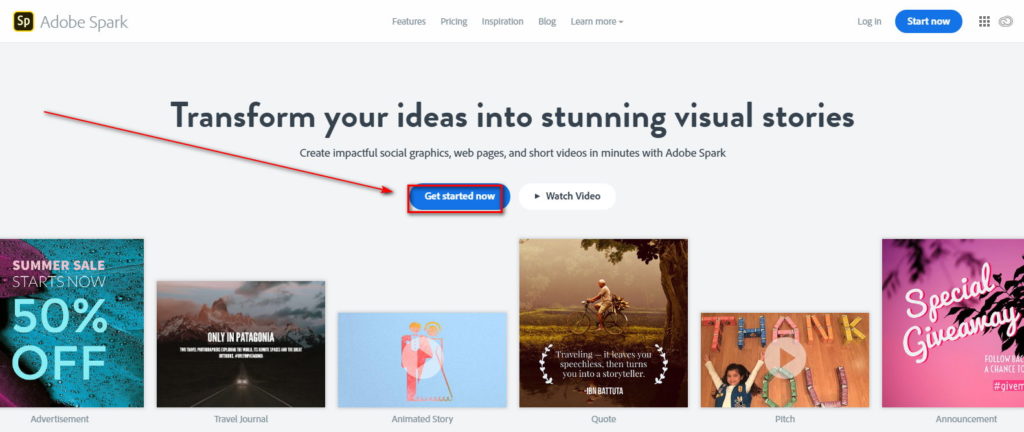
Go to https://spark.adobe.com
Click on “Get started now”.
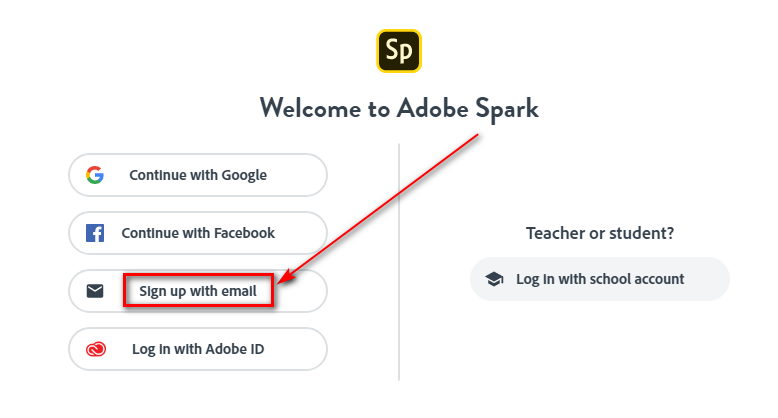
Click on “Sign up with email”.
Enter details and click “Sign Up”.

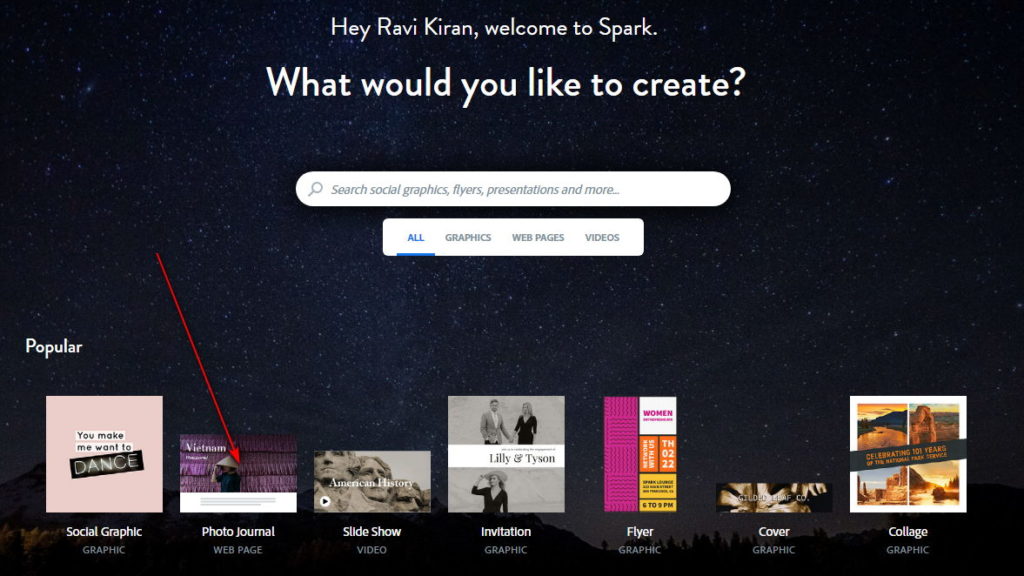
Click on “Web Page (Photo Journal)”.
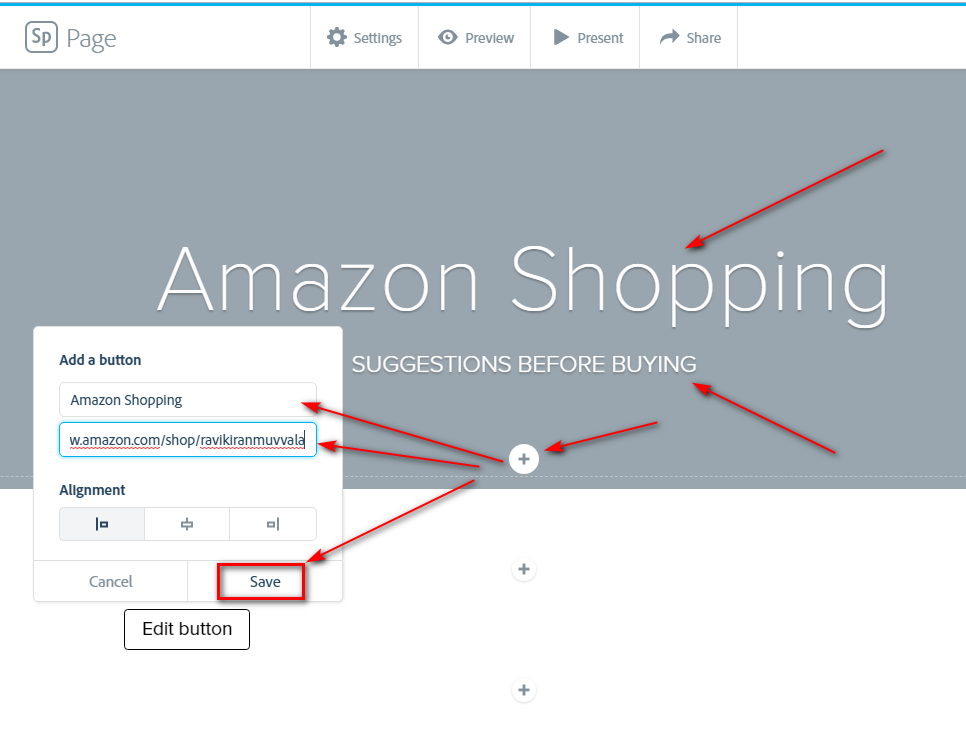
Add a title, subtitle, and click on “+” symbol and click “Button”. Add link and click “Save”.
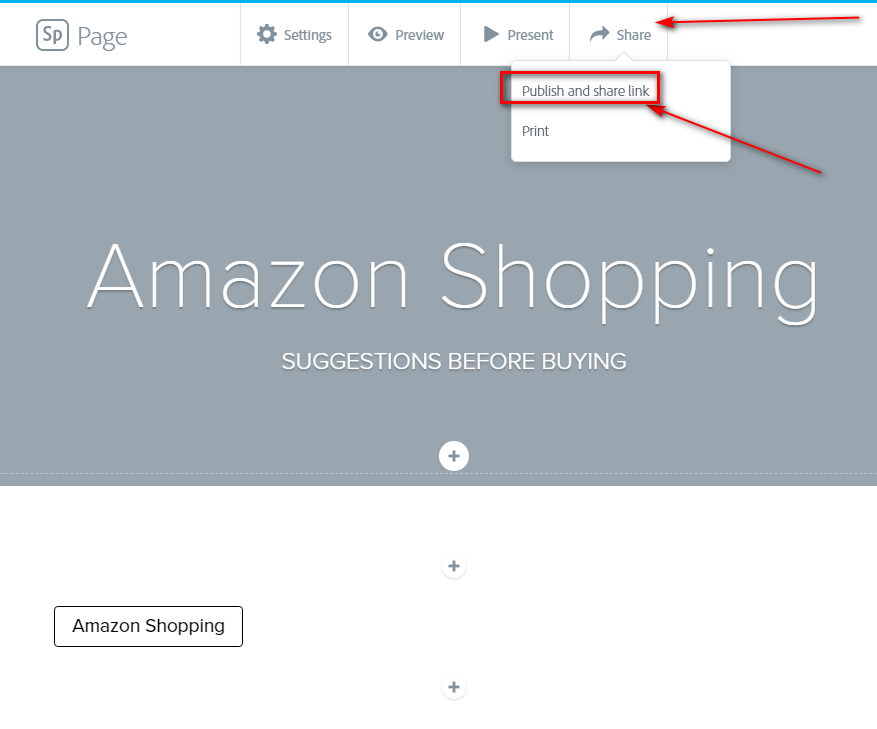
Click on “Share”. Select “Publish and share link”.
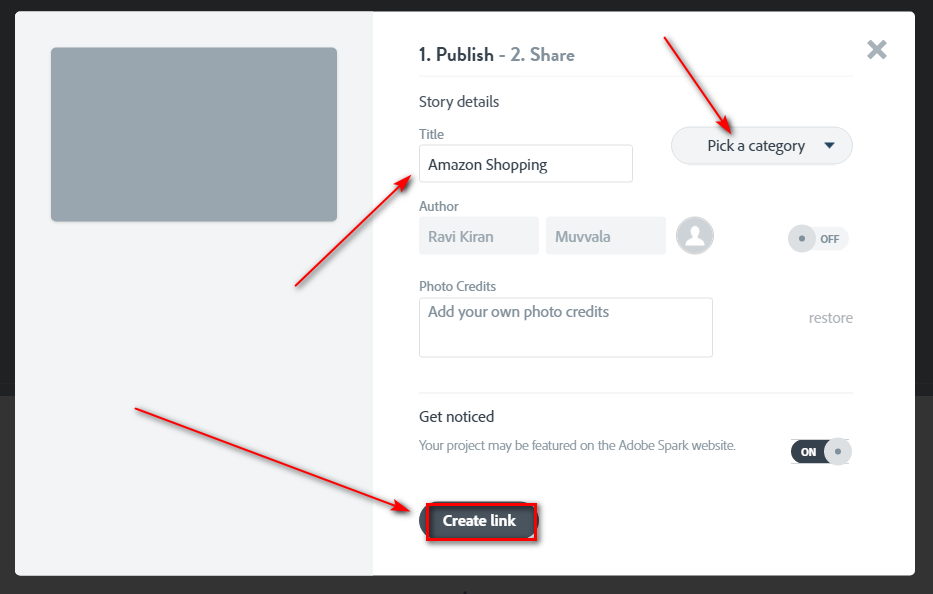
Click on “Create link”.
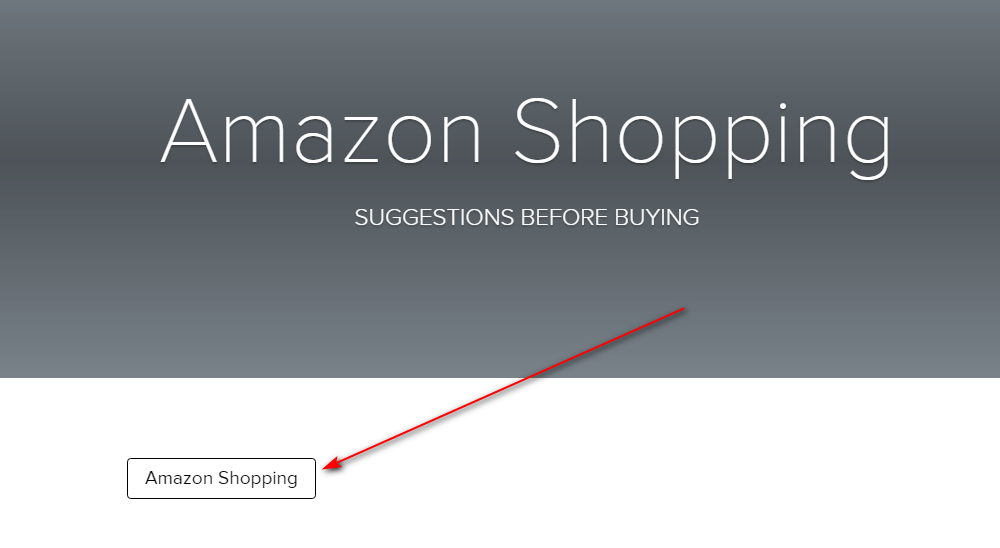
Here’s where the Backlink appears:
Adobe Spark
![Adobe Spark]() Reviewed by Vũ Thế Khoa
on
May 21, 2021
Rating:
Reviewed by Vũ Thế Khoa
on
May 21, 2021
Rating:
No comments: